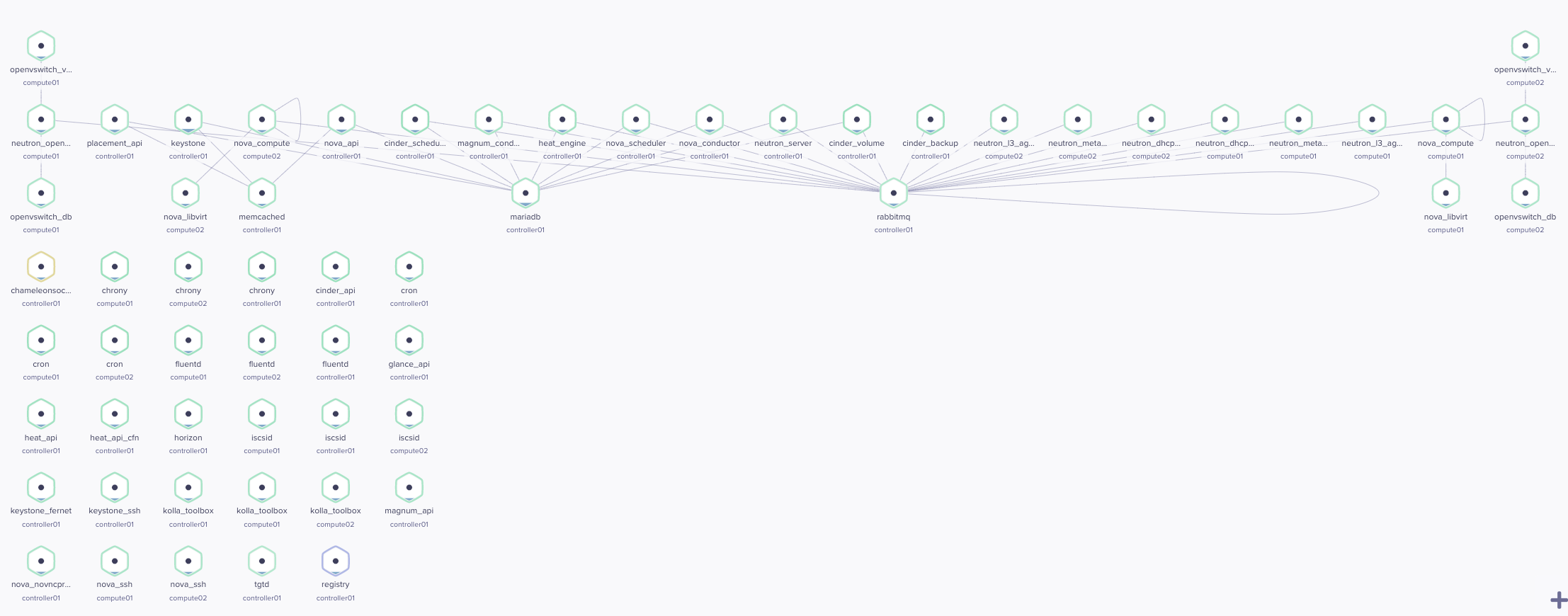
openstack-multinode
No-HA sample
The no-high-availability (no-HA) sample provisions a controller and one or more compute nodes. It can run in Vagrant virtual machines or on physical systems. The sample is intended for development and testing; it does not provide high availability.
Vagrant deployment
Install Vagrant and a supported provider, then run these commands from the repository root:
cd samples/noha
VAGRANT_EXPERIMENTAL=disks vagrant up
vagrant up controller
The first command starts the compute nodes.
The second starts the controller, which can build images and run a local
registry before deploying OpenStack.
The default is two compute nodes; set OS_NUM_COMPUTE_NODES to change that
count.
The controller defaults to 4 virtual CPUs and 8 GiB of memory.
Each compute VM defaults to 4 GiB of memory.
Set CPU and MEMORY to adjust those resources.
The Vagrant configuration defaults to a local image registry; set
OS_ENABLE_LOCAL_REGISTRY=false to disable it.
Physical deployment
For a bare-metal walkthrough, including inventory setup, management and external network requirements, and verification steps, see Deploy no-HA OpenStack on Raspberry Pi 4. The guide describes a lab topology and explicitly calls out where its assumptions differ from the Vagrant sample.
See the sample Vagrantfile and inventory fragments for the configuration used by the Vagrant environment.